Web Image Optimization: WebP vs GIF vs PNG for Modern Web Performance
A practical comparison of WebP, GIF and PNG — compression, transparency, animation and browser support — with a decision guide for faster pages.
Why image format matters
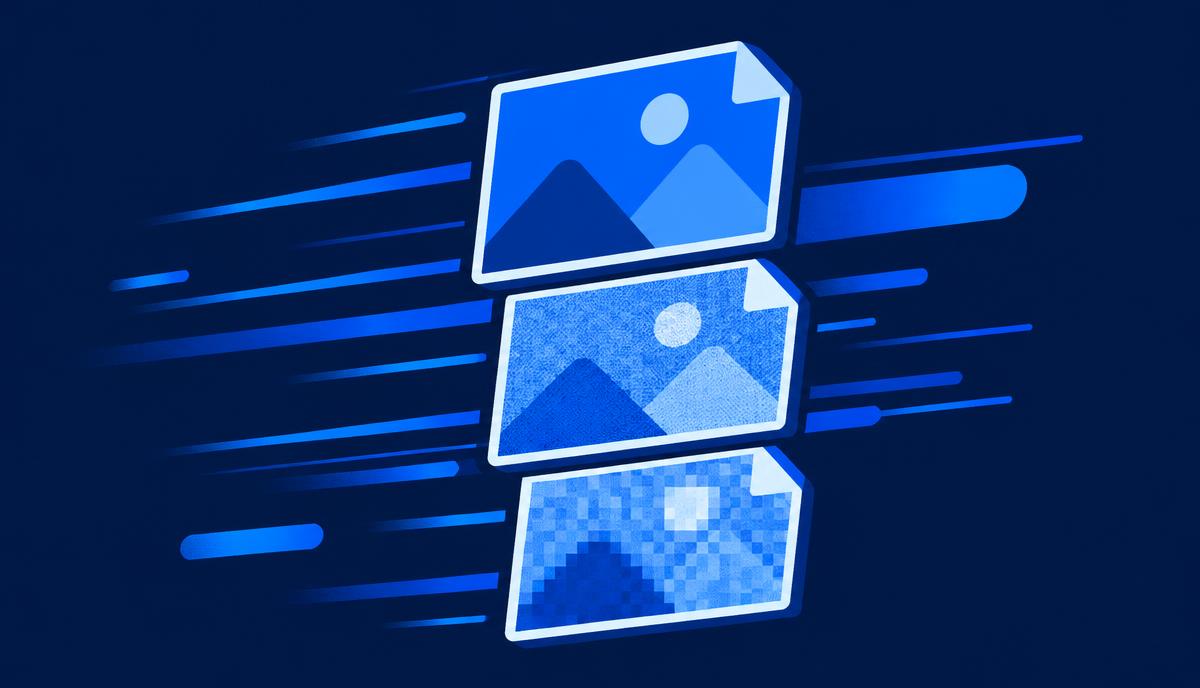
Page loading speed is one of the most vital factors influencing user retention, Core Web Vitals, and search engine rankings. Because visual assets (images, GIFs, and graphics) often account for over 60% of a web page's total payload, selecting the correct format is paramount.
In this guide, we break down the inner workings of WebP, GIF, and PNG, explaining when to use each format and how modern client-side compression tools optimize digital assets.
Images are usually the heaviest part of a web page. The largest image often decides your Largest Contentful Paint (LCP), one of Google's Core Web Vitals. Picking the right format can cut file size by half or more without visible quality loss.
1. Comparing Core Media Formats
Each image format serves a distinct purpose depending on whether your priority is animation, transparency, or raw compression efficiency.
PNG: lossless and sharp
PNG uses lossless compression, so every pixel is preserved. It supports full alpha transparency and is ideal for logos, icons, screenshots, diagrams and images with text. For photographs PNG files become very large, because lossless compression can't throw away fine photographic detail.
GIF: universal but limited
GIF supports simple animation and works everywhere, which is why it remains popular for reactions and short loops. But it is limited to 256 colours per frame, supports only on/off transparency, and its compression is old and inefficient. Animated GIFs are often several megabytes for just a few seconds.
WebP: the modern all-rounder
WebP, developed by Google, supports both lossy and lossless compression, full transparency and animation. Google reports lossless WebP images are about 26% smaller than PNGs and lossy WebP is 25–34% smaller than comparable JPEGs. All current major browsers support it.
Quick decision guide
Use this as a starting point:
- Photos on a web page → lossy WebP (or JPEG as a fallback).
- Logos, icons and screenshots → PNG or lossless WebP; SVG for simple vector logos.
- Short animations on your own site → animated WebP or a muted looping MP4 video.
- Sharing a reaction in chats and forums → GIF, for maximum compatibility.
Optimization tips
Format is only half the story:
- Resize images to the largest size they are actually displayed at.
- Strip EXIF metadata — it adds bytes and can reveal location data.
- Set width and height attributes to prevent layout shift (CLS).
- Lazy-load images below the fold, but never the main hero image.
- For GIFs, reduce frame rate (10–15 fps), length and dimensions first.
Frequently asked questions
Comments (0)
Loading comments…